
Bring your voiceover
Your own voice or any AI voice. Add your free keys once and you are set.
For YouTube creators
Premium AI models and a purpose-built matching engine turn your voiceover into a finished, perfectly synced project for any video editor.
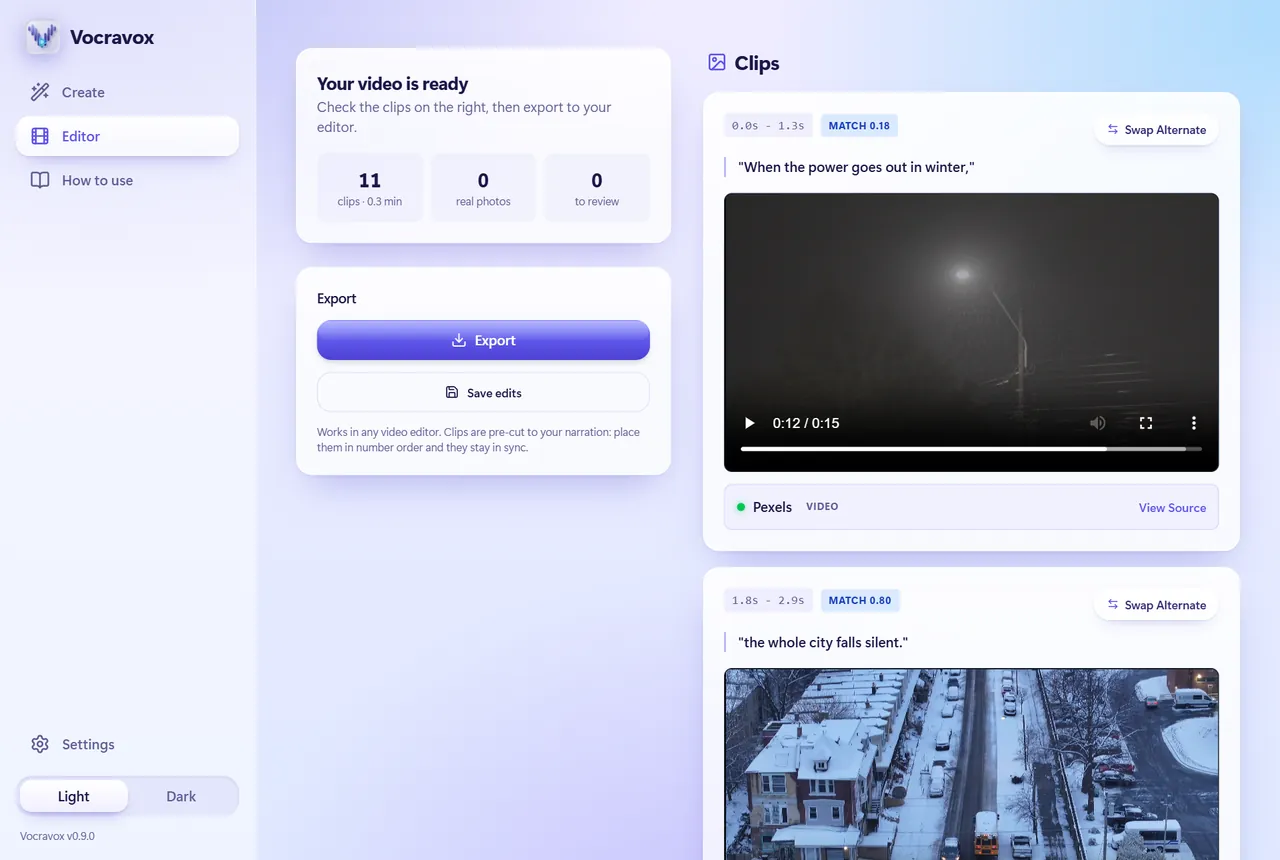
You bring the voice. Vocravox does the heavy lifting.
Your own voice or any AI voice. Add your free keys once and you are set.
Our matching engine and premium AI models understand your story, check every picture for accuracy and keep everything in sync.
A tidy project folder that opens anywhere, ready for your finishing touches.
Real screens from the app, made from a short sample script.


The details that save you hours in the editor.
Premium AI models judge the picture itself, not just its tags, so what you see fits what you say.
Footage, captions and credits are numbered and timed to your narration in every folder of the export, so nothing drifts.
Public figures, places and events in your script appear with real, freely licensed photos instead of look-alike stock.
Footage comes only from sources whose licenses allow commercial use, with a credits file for your video description.
It tests your computer and uses whatever is quickest, your graphics card when it helps and your processor when it doesn’t. Export shows real progress and can be cancelled.
Everything runs on your computer. There is no account and no tracking. Your keys never leave your machine.
It tests your computer, recovers from failures, and keeps working when something goes wrong.
It installs for your user only, so it never asks for administrator rights.
On first launch Vocravox detects your computer and downloads only the parts it can use, including the premium models, so your first video starts right away. Choose Full for the best clip matching, or Lite for a smaller download.
| Your computer | Full | Lite |
|---|---|---|
| Windows with NVIDIA graphics | about 6.6 GB | about 2.1 GB |
| Windows without NVIDIA | about 3.2 GB | about 1.0 GB |
In Settings, paste free keys for Pexels and Pixabay (video clips) and an AI provider such as Google Gemini. The in-app guide shows where to get each one.
| Minimum | Recommended | |
|---|---|---|
| Windows | Windows 10 or 11, 64-bit, 8 GB RAM | NVIDIA graphics card, 16 GB RAM |
| Disk space | 10 GB free | 30 GB free |
| Internet | Needed to find footage and for the one-time setup download | |
| Mac | Apple Silicon version coming soon | |
Yes, you can use the current version for free, including for videos you monetize. Future versions may add paid options; versions you already installed keep working.
Vocravox runs premium AI models on your own computer, together with its own matching engine. The models download once during setup, and your audio never leaves your PC.
No. It runs on any modern computer. A graphics card makes it faster, especially on long videos.
Any. The export is a folder of numbered clips, your narration and captions. DaVinci Resolve and Premiere Pro can also import a ready-built timeline.
Pexels, Pixabay, Openverse and Wikimedia Commons, limited to licenses that allow commercial use. Every export includes a credits file you can paste into your video description.
Search words go to the stock libraries you use, and the words of your script go to the AI provider you turn on. Your audio, your keys and your projects stay on your computer. See the privacy page.
They are free and keep your usage limits yours. Vocravox doesn’t sit in the middle, so there are no accounts and nothing to pay us.
An Apple Silicon version is planned. It isn’t available yet.
A short voiceover is enough to see the whole thing work.
Download for Windows